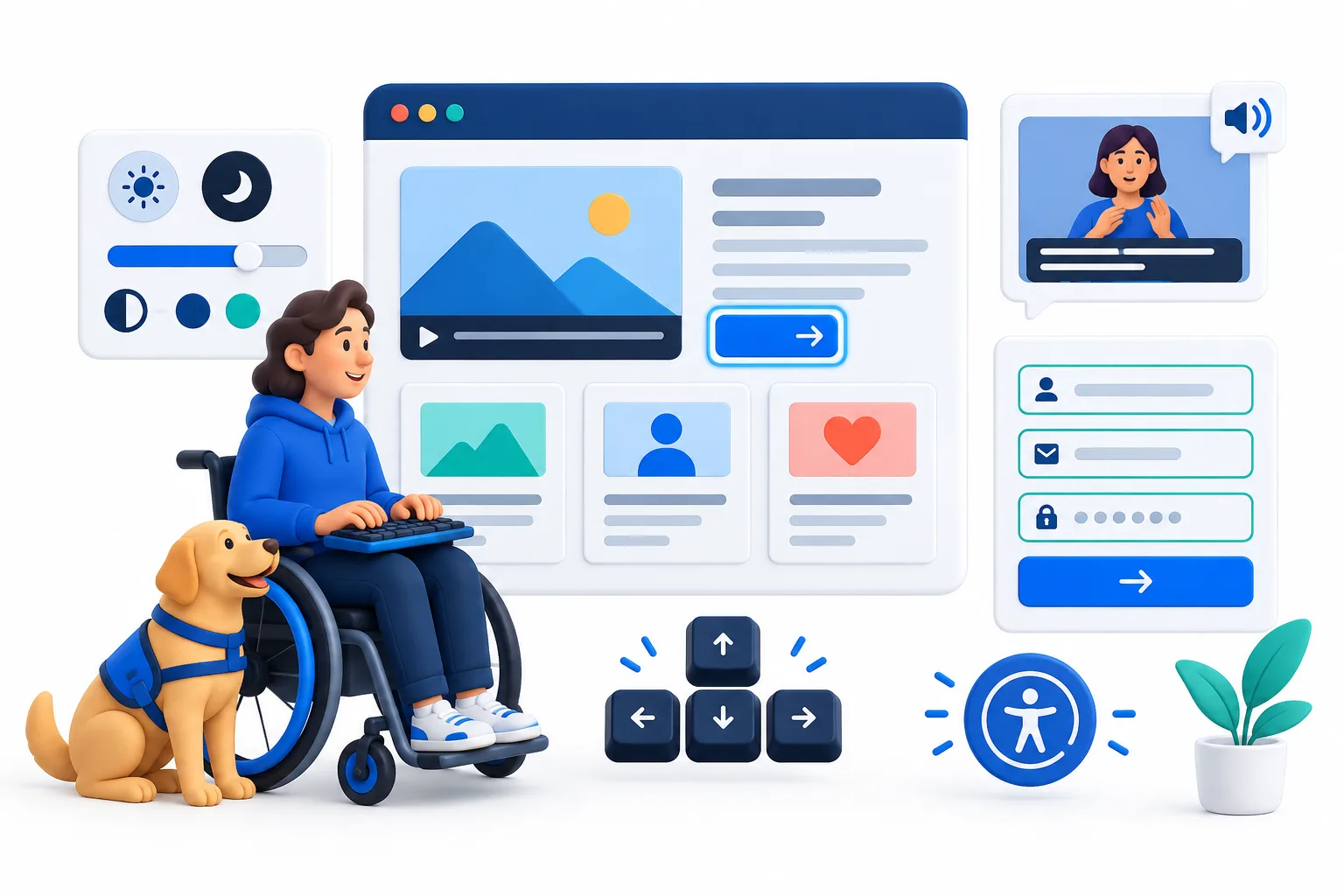
Accessibility means removing avoidable barriers. Someone may use a keyboard instead of a mouse, enlarge text, rely on captions, browse with a screen reader, or need stronger colour contrast. A thoughtful website gives those visitors a clear way to understand your offer and take action.
Start with readable content
Use clear language, useful headings, comfortable line height, and sufficient contrast. Short paragraphs and descriptive subheadings help people scan, especially on mobile or when they are reading under pressure.
Make navigation work without a mouse
Every interactive element in a well-built website should be reachable with a keyboard and have a visible focus state. Menus, buttons, forms, accordions, and links should follow a logical order so someone can move through the page without becoming lost.
Try using your website with the mouse disconnected. If you cannot reach a key action or understand where you are, a visitor may face the same barrier.
Write useful image descriptions
Meaningful images need concise alt text that explains their purpose. Decorative images can be ignored by assistive technology. Avoid stuffing keywords into alt text; describe what a visitor needs to know.
Build better forms and buttons
Labels should explain what each field requires, error messages should identify how to fix a problem, and buttons should describe the action they perform. “Send enquiry” is more useful than a vague button that says “Submit.”
Accessibility supports business growth
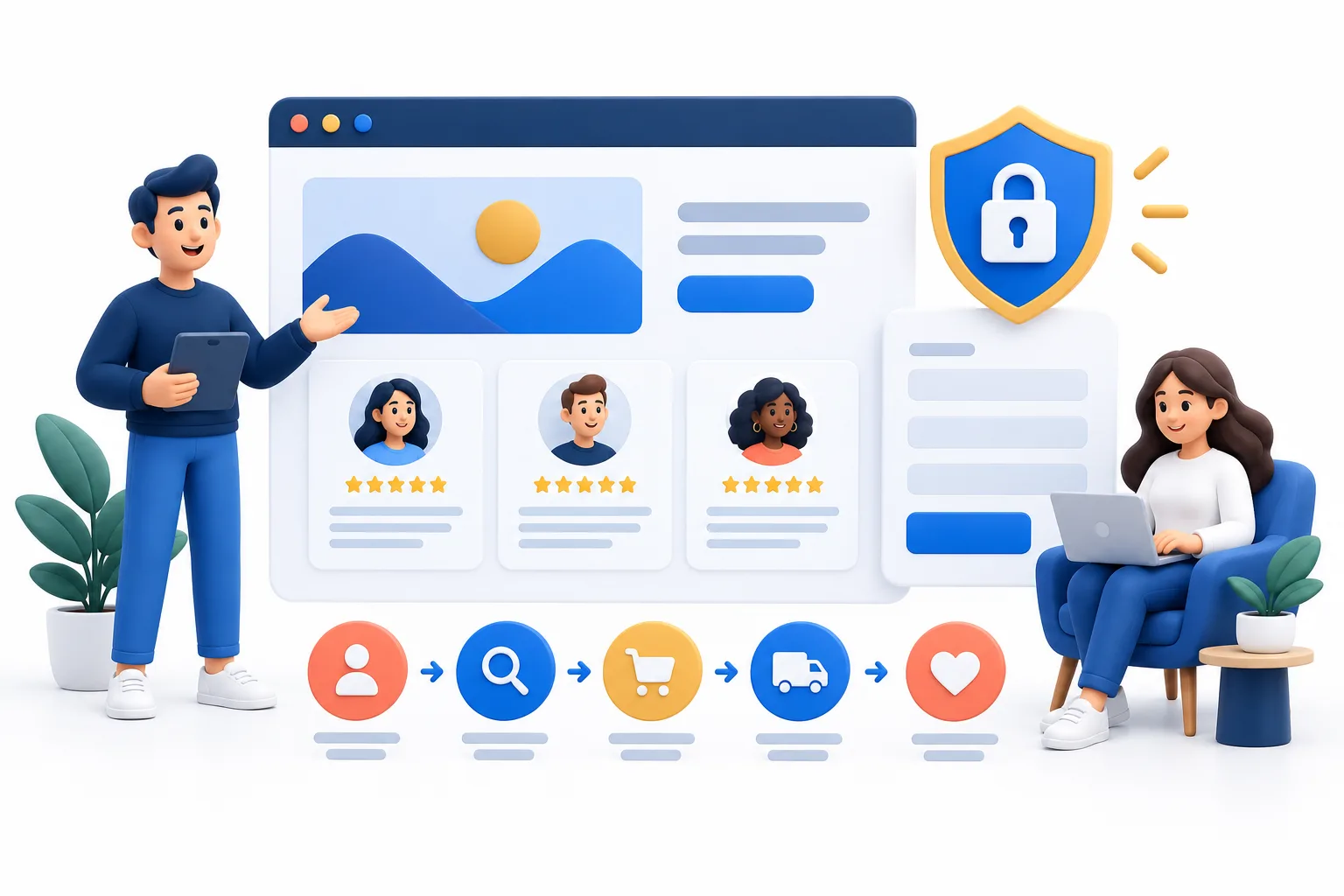
Accessible design improves clarity, mobile usability, search understanding, and customer confidence. It can also help you serve people you might otherwise lose because the website was difficult to use. Small improvements across the whole journey can make a meaningful difference.
Make your website easier to use
SuperMind builds clear, responsive, and accessible websites that help more customers understand your business and take action.
Improve Your Website